WordPress Updates Aren’t Always a One-Click Job
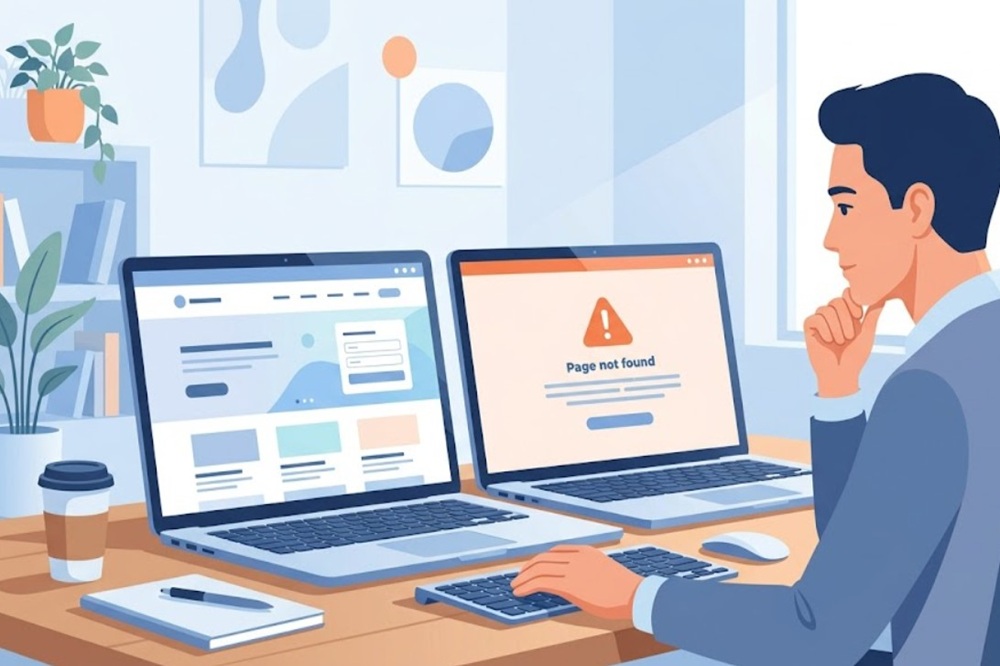
A client emailed us last week convinced something had gone wrong with their site. It hadn’t, not exactly. They’d updated WordPress core, two themes, and eight plugins in one sitting, and a notice had appeared at the top of the homepage. Harmless, as it turned out. But it took real digging to confirm that, and it’s the kind of thing that’s easy to miss if you’re not looking for it.
That’s the part people don’t expect. An update can succeed completely and still leave something quietly broken underneath.
The Update Button Doesn’t Know What Else Is Running
WordPress, your theme, and your plugins aren’t really separate pieces of software sitting politely next to each other. They’re interdependent. A theme reads functions the core provides. A plugin hooks into both. Change one piece and the others don’t automatically know to adjust, they just keep expecting the old version to still be there.
Most of the time this doesn’t matter. Minor updates, small security patches, the routine stuff, generally pass through without incident. Major version updates are a different category entirely. They can restructure how the backend works, change what older plugins are allowed to assume, and sometimes require server-side conditions that go unnoticed until the update either fails quietly or half-works.
PHP version is worth checking before a major update arrives, not after. Your database version too. Plugin compatibility is trickier than it sounds, because a plugin marked “compatible” sometimes just means someone bumped a version number in a readme file. Whether the actual code underneath got tested against the new release is a different question, and not one most compatibility badges answer honestly.
Most Headaches Start With Updating Everything At Once
This is the part that trips people up more than anything else. The WordPress core, every theme, every plugin, all in one sitting. Something breaks, and now there are ten-plus changes to sort through with no way to tell which one did it. Untangling that after the fact takes longer than updating in stages ever would have.
It’s a bit like changing five settings on a machine at once and then wondering which one made the noise start.
If you’ve actually broken the site, this can hurt sales/leads, brand trust, not to mention SEO results.
There’s also a visibility problem. WordPress has gotten stricter over recent versions about surfacing debug notices that would previously fail silently. Which means an issue that’s technically been sitting there for a while, unnoticed and doing no real harm, can suddenly show up the moment you update, and look like the update caused it when really it just got exposed by it.
What Testing Properly Actually Looks Like
None of this means avoid updates. Sites that don’t get updated are the ones that actually get compromised, not the ones running slightly older-but-current versions. The point is sequencing.
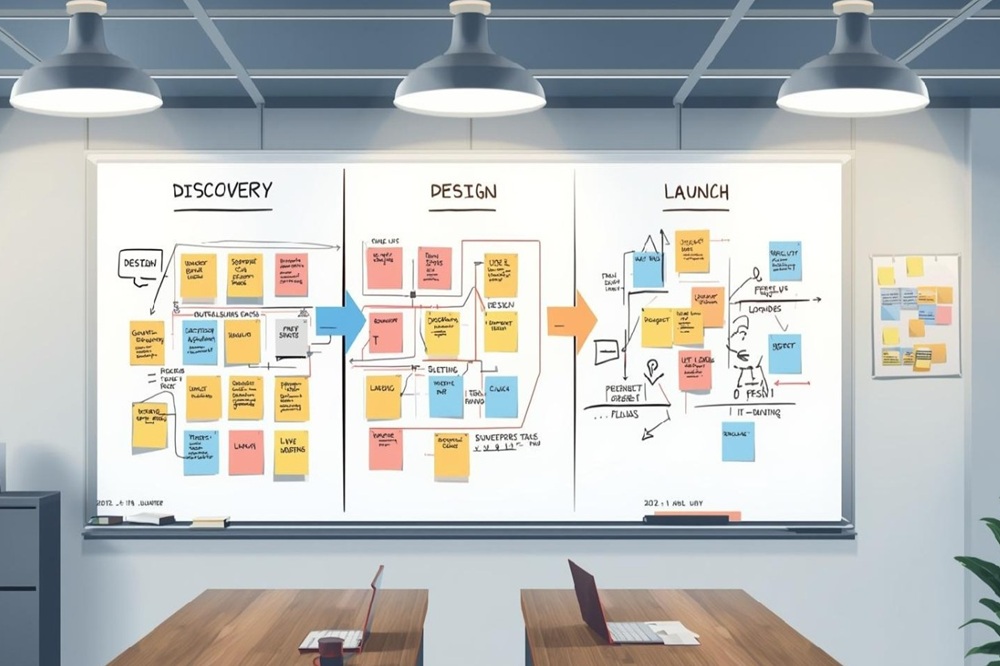
A staging copy, a duplicate of the live site that visitors never see, is where updates should land first. Run the update there, click through the site, check forms still submit and pages still render properly, then push it live once you know it’s clean. If something does break, it breaks somewhere nobody’s watching, and there’s a working version still live while you sort it out.
None of this works without backups that are actually current. A rollback point is only useful if it reflects the site as it exists right now, not a snapshot from three months ago missing half the recent content. Automated daily backups, stored somewhere other than the server itself, are what make every other precaution here worth anything. Without them, “we can restore it” is just a hope.
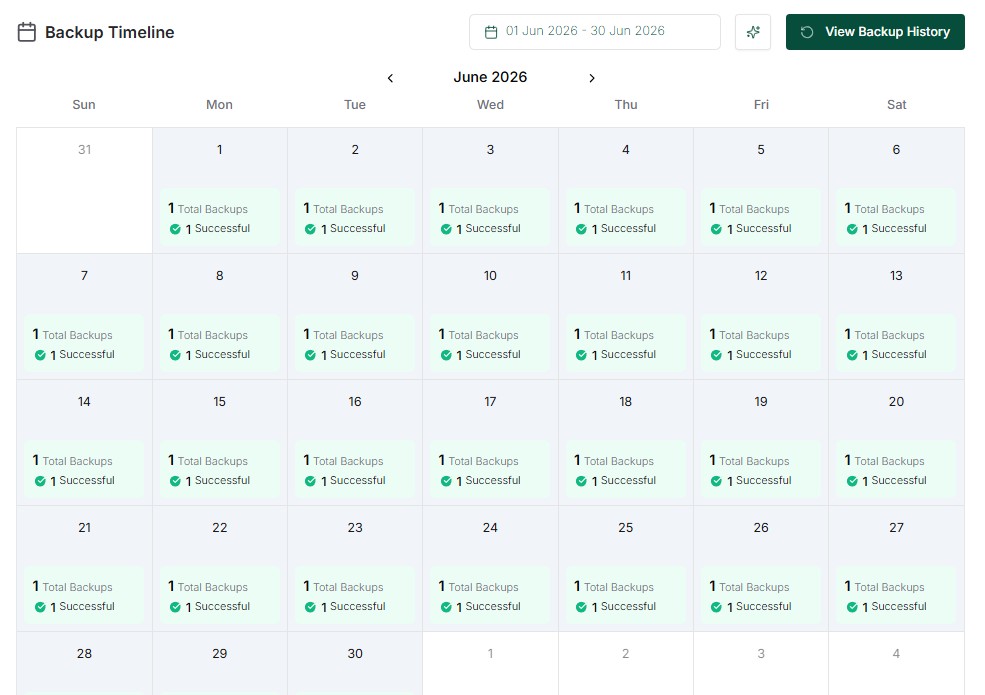
Rolling back should be something you can do calmly, not scramble to set up after the fact. Before any major update, that return point needs to already exist, so reverting is a five-minute job instead of a panic.
None of this is complicated in principle. It’s just more than clicking a button, which is exactly why it gets skipped.
For a genuinely basic site, a handful of static pages, nothing transactional, handling updates yourself might be fine. Anything beyond that and the maths changes. Updates aren’t a once-off task, they’re an ongoing commitment, and every hour spent checking version compatibility and testing plugins is an hour not spent running the actual business. That’s before accounting for what happens when something does go wrong and there’s nobody on hand who’s dealt with it before.
A Website Care Plan exists for exactly that gap. A small, predictable cost against someone else carrying the risk of getting the sequencing wrong. For most business owners, that’s not a hard trade to make.
Share this article
A quick overview of the topics covered in this article.
Latest articles
October 5, 2026

October 5, 2026