How Trade Businesses Should Choose Suburbs (and Which Suburb Pages Are Worth Building)
Trades need two location strategies, and most local SEO advice only covers one of them. The map rewards whoever sits closest to the searcher. Suburb pages reach everywhere else, and they’re what this article is about. An electrician working from a home office in Mount Waverley and wiring houses from Dandenong to Box Hill is the usual case.
Why Suburb Pages and Map Rankings Need Different Strategies
A suburb page can target any location you want enquiries from. Map Pack rankings don’t work that way. They lean hard on proximity, and they need their own strategy.
Google measures distance from the address you verified, and that still applies when you’ve hidden it as a service-area business. A plumber verified in Mount Waverley has the best shot in Mount Waverley and the streets around it. Your Service Area list takes up to 20 areas. Fill it with suburbs near that address, even when your best customers live further out. In Local SEO, adding a far-off suburb rarely moves your ranking there.
How to Choose the Suburbs for Your Landing Pages
Landing pages are the one place you can chase suburbs far from your address, so start with the ones that already pay you and add the ones you’d drive to every week.
Start With the Suburbs That Already Pay You
Pull twelve months of invoices and sort them by suburb. The top five or six are your first pages, and you don’t need a research tool to find them.
Search Console is worth a look too. A suburb that keeps turning up in your queries without a page of its own is the easiest win on the list.
Check What People in Those Suburbs Actually Search
Suburb searches are small. When we researched suburb terms for our own site, most landed between 10 and 50 searches a month, and the difficulty scores rarely climbed past 12.
On its own that isn’t enough to justify a page. Switchboard upgrades and rewires get searched separately in the same suburb, though, and one page can cover both. A free keyword tool is fine for this. Use it to rank suburbs against each other, not to predict enquiries.

Cut Anything Outside Your Real Service Radius
A suburb you’d turn the job down in doesn’t get a page. Targeting places you won’t service just fills your phone with enquiries you have to decline, and it spreads your authority thinner. Tradie SEO is about focusing on the right places, and optimising them correctly.
What a Suburb Page Needs to Hold Up
A suburb page ranks when it carries evidence that you work there, and that evidence has to be different on every page. A handful of things do most of the work.
- A recent job in that suburb, with a real photo and a line on what you did, like a switchboard upgrade in a 1970s brick veneer
- Local detail only someone working there would know. Heritage overlays, tight driveways, older housing stock
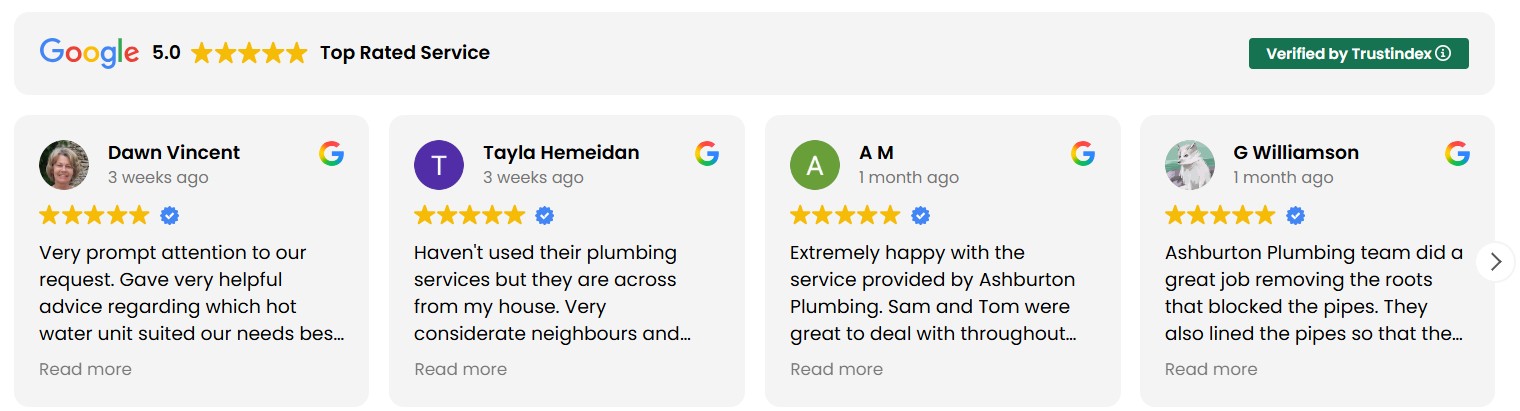
- Reviews from customers in the area, naming the job where they’re happy to
- Your licence number and insurance cover, near the top
- A tap-to-call number and your real hours
- Links to the specific services you offer there, instead of a list of everything you do
Length should follow the evidence, so a suburb where you only have 250 genuine words to say gets a 250-word page.
Show Your Licence Where a Nervous Customer Will See It
Electrical, gas and structural work carries safety stakes, so people look for proof you’re licensed before they read anything else. In Victoria that’s an Energy Safe Victoria registration number for electricians and a Victorian Building Authority licence number for plumbers.
Put it on the first screen next to your public liability cover. A footer is the wrong place for the one detail a worried homeowner is hunting for.
Build the Page for Someone Standing in Water
Someone searching “emergency plumber Clayton” has water on the floor and a phone in one hand. Put a tap-to-call button at the very top of the page. Then check that the number, business name and services read identically on the page, your Business Profile and every directory listing. Mismatched details make a listing look unreliable.
Compress job photos before they go up. A shot straight off a phone is often several megabytes, and a few of those on one page will crawl on mobile data. Lead the title tag with the service and the suburb, so it reads “Electrician Clayton | Your Business Name”.
Ask for the Review Before You Leave the Driveway
Ask on the day of the job, while the work is fresh and your ute’s still in the driveway. Text the review link before you pack up.
A busy fortnight in one suburb with no asks leaves that suburb’s page with nothing fresh to show. Don’t write the review for them, and don’t offer a discount for leaving one. Google bans incentivised reviews. You can ask them to mention what you did, and a review that names the job and the suburb backs up the page better than five stars on its own.
Where Suburb Pages Go Wrong
Swapping the Suburb Name Gets You a Doorway Page
Google’s spam policies call out pages built for specific regions or cities that all lead to the same place, and a stack of copy-paste suburb pages looks exactly like that. Pages like these are cheap to produce, which is the problem. Thirty of them say nothing the first one didn’t.
Group Small Suburbs Instead of Giving Each One a Page
Nearby suburbs with thin demand belong on a single service-area hub page. The same plumber might give Clayton, Oakleigh and Glen Waverley a page each, then cover Ashwood, Burwood and Chadstone together on the hub with a line about the work done in each. Only list a suburb there if you’d genuinely take a job in it.
Promote a suburb from the hub to its own page once the enquiries justify it.
Start With Five Pages and Let the Data Pick the Next One
Five is enough to start, as long as each page carries real photos, a proper review and your licence details. Give it a few months, then look at each page’s clicks in Search Console and the calls coming through your Business Profile, and add the next page where enquiries are already turning up. Book an SEO call and we’ll lay your job history next to the search data and pick your first five together.
Share this article
A quick overview of the topics covered in this article.
Latest articles

October 28, 2026

October 28, 2026